
The Joint Account.
The account every couple should share. No money in it, just love, favors and a bit of healthy competition. Post a task, say thanks, earn House Points and spend them in each other's shop.

Free on the App Store for iPhone. Android is not available yet. · For couples aged 18+ · No real money, ever.
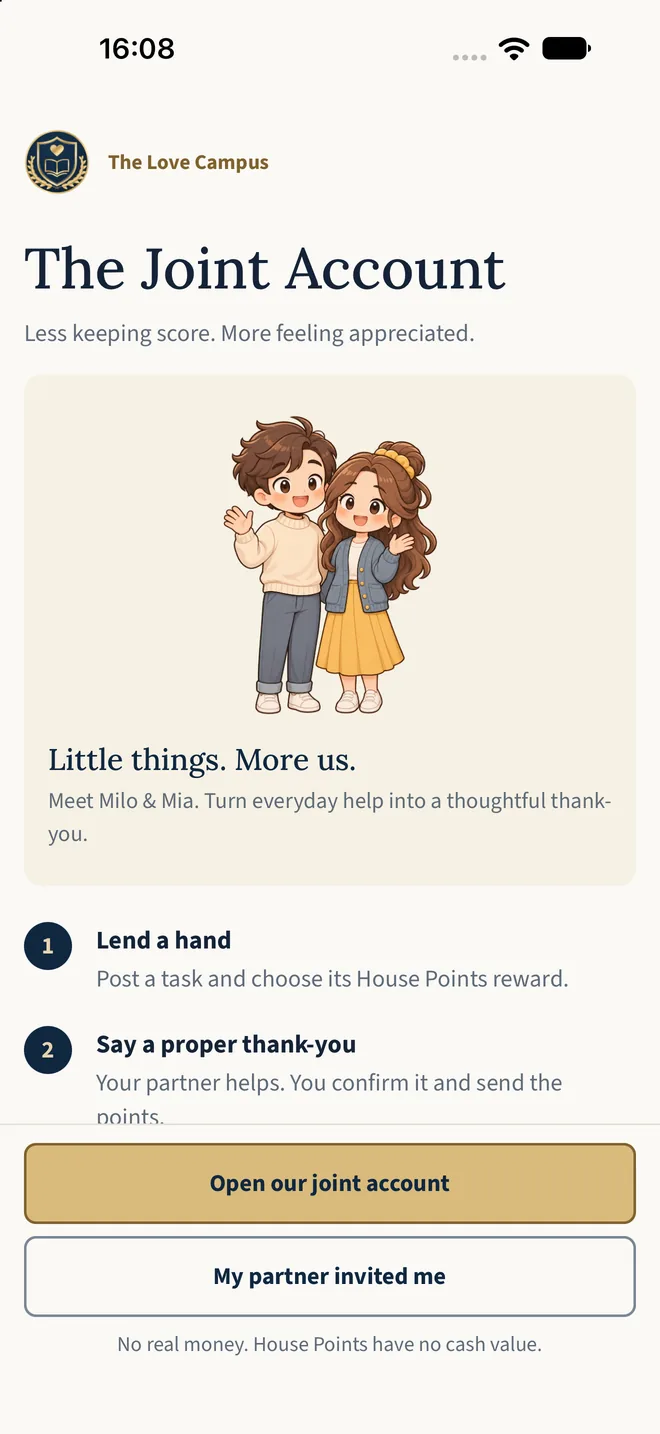
Three steps. No spreadsheets.
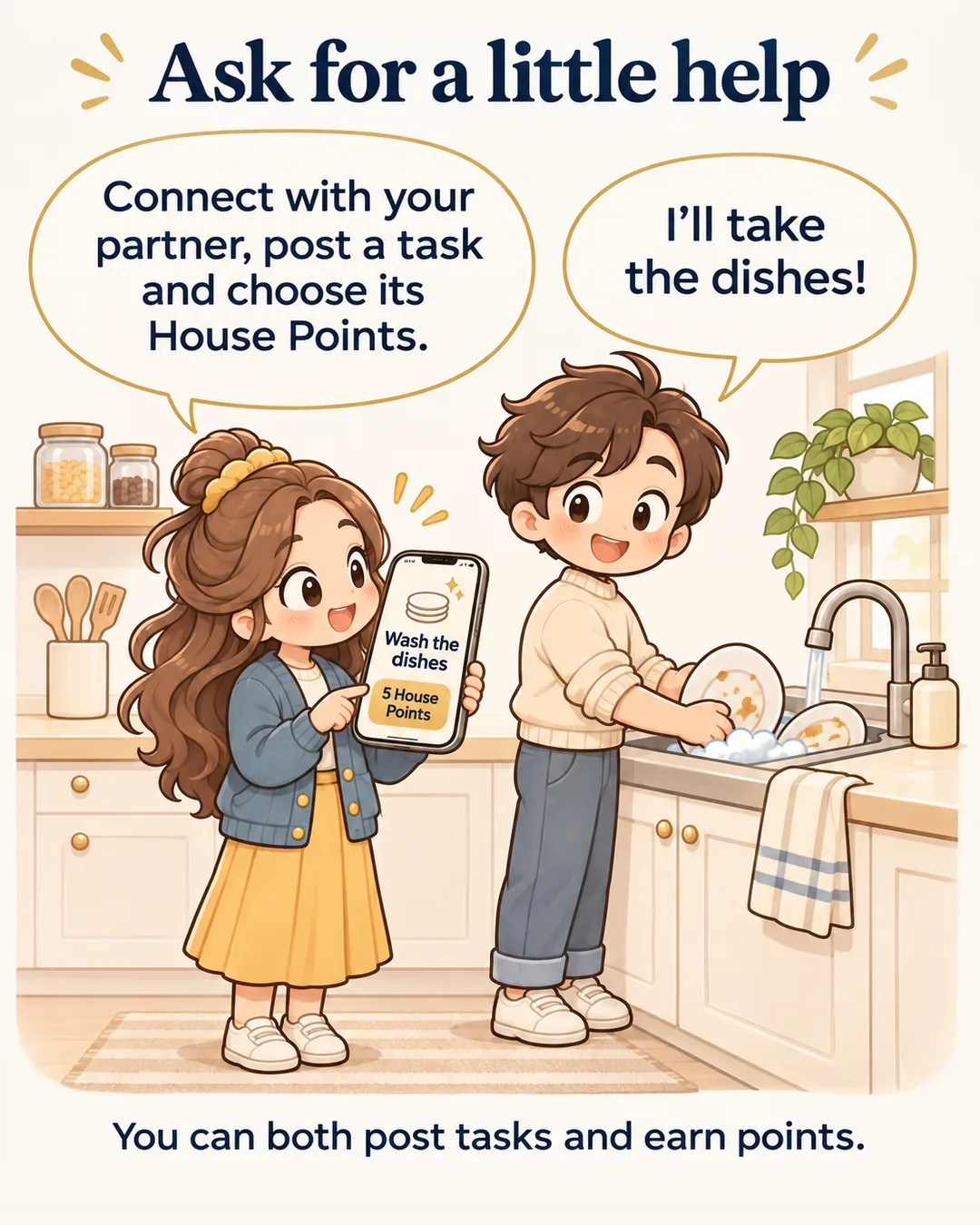
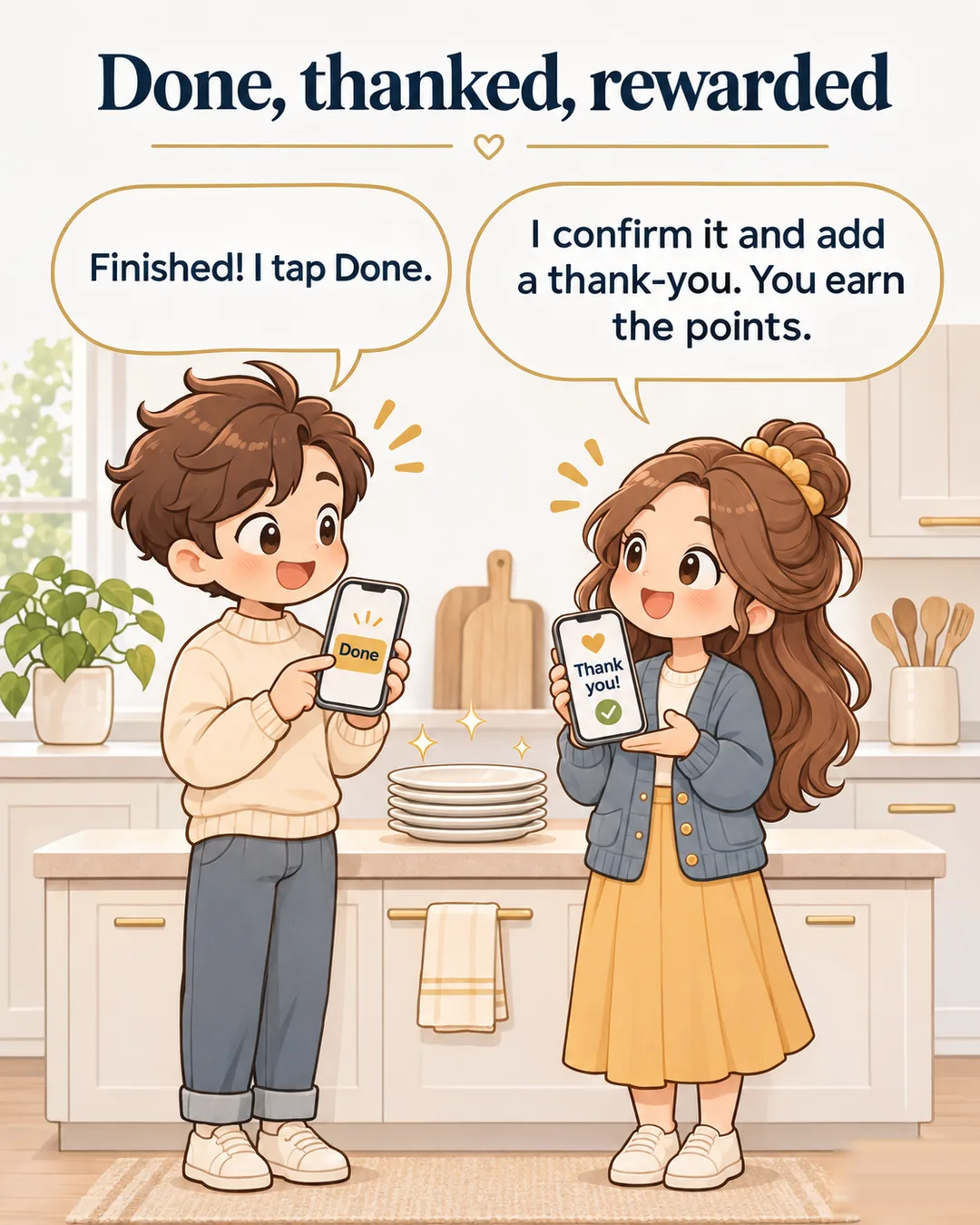

A joint account, not a job list.
Both of you post tasks and both of you earn. Did something without being asked? Log it and earn a 50% bonus. Link your accounts with an invite code.
- No negative balances or debts
- A limit on open tasks, so nobody feels nagged
- A little more recognition for everyday effort
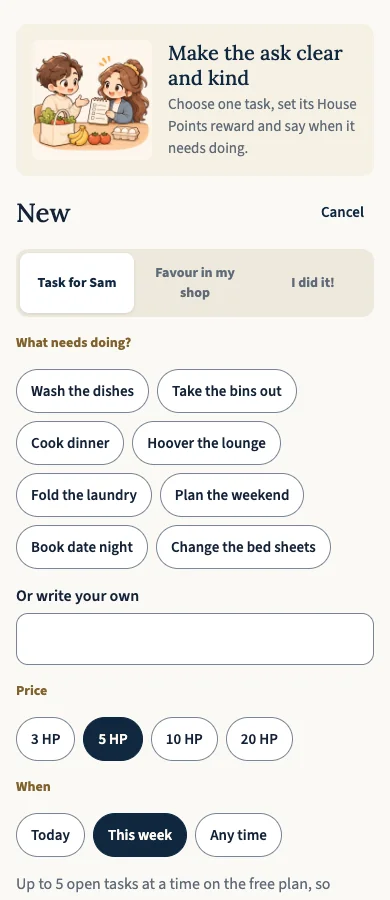
A shop that speaks their language.
Take the short Love Currency test and find favors you'll actually enjoy: kind words, time together, helping hands, little surprises or warm hugs.
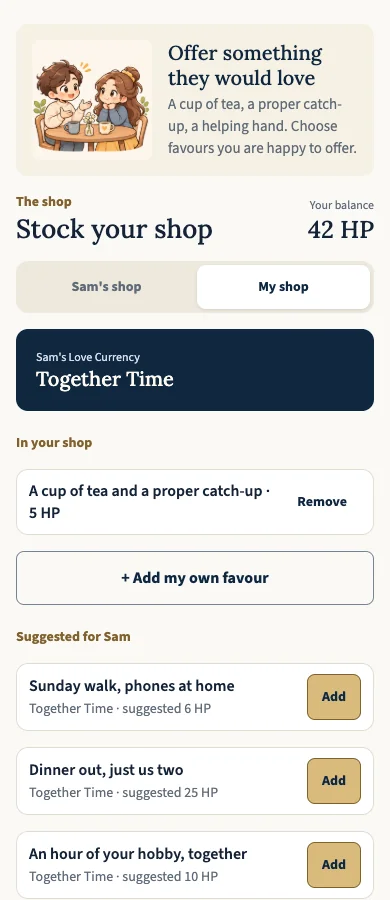
From the Account Manager. He's very impressed. Mostly.
A weekly look at what you did for each other, what you spent and a remark from the bank's most dryly observant employee.
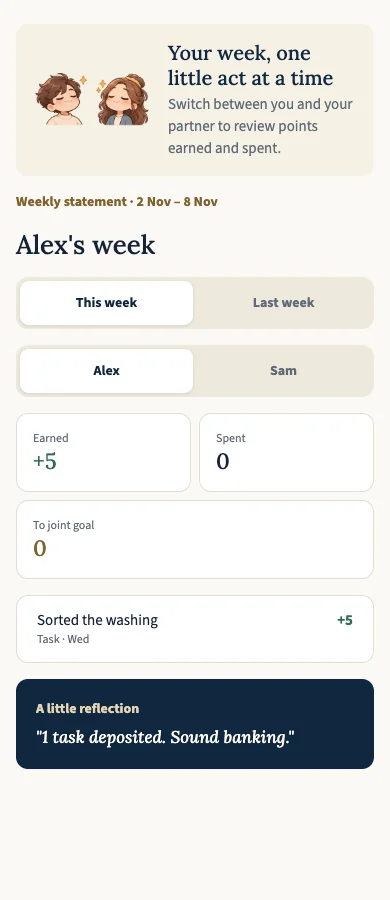
“A job isn't done when you've done it. It's done when nobody else has to think about it.”
— The Campus Team
The app is the practical. The courses are the theory.
Put useful ideas into practice together. Explore our books and short courses, with plenty of humor along the way.
Everyday Partnership
Short, funny lessons. Your first level is free. Find the current course options and prices on campus.
Explore the courses →The Field Guide for Husbands
Useful relationship ideas and a healthy respect for the absurd.
Explore the book →Book + courses
Enjoy the book and courses together. Explore the current bundle offer.
See the book + courses offer →Give as a gift →Tell me when Android is ready.
Leave your email and we'll tell you once when The Joint Account is available on Android.
We'll use your email only for the notification you requested. See our privacy policy. You can ask us to remove it at any time.
Your partner sent you a code?
Download the app on your iPhone, sign in with your email, tap “Link with my partner” → “I have a code”, and enter the six characters they sent you.
Get the iPhone appFrequently asked.
Is it really free?
Yes. The Joint Account is free to download and use on iPhone. There is no subscription in this release.
Does it involve real money?
No. House Points are for playful appreciation. They have no cash value and cannot be bought.
Who can see our tasks and notes?
Your shared account is for the two people linked to it. Read the app privacy notice for how account data is handled.
Do we both need the app?
Yes. One person opens the account and sends a six-character invite code; the other joins in the app.
Is it only for husbands?
No. It is for any adult couple. We just like to give husbands a head start.
Made by The Love Campus · App privacy · App terms · support@thelovecampus.com